
Office building video surveillance: Why live monitoring beats passive recording
Download your free office guide
Four pillars, eleven trends, and three ready-made checklists your team needs.





Picture three ordinary moments in an office building. A package is taken from the lobby at 11 p.m., a former employee badges their way to a restricted floor on a Saturday, and someone slips through a secure entry behind a badged tenant during the morning rush. A recording system captures all three in clear detail and stops none of them, leaving the footage ready for review the next morning, long after the loss is done.
That gap between recording an incident and responding to one is what most office building video surveillance systems never close. Most office buildings have cameras, but far fewer have setups where someone is monitoring. Office building video monitoring only protects a property when a person or system is positioned to respond during an incident, not after. This guide is written for the property manager or facilities director who has already lived through an after-hours incident and realized their office building's video security system was built to document what happened, not to intervene while it was happening. It explains what remote video surveillance in office buildings means today, where recording-only systems fall short, and how live video monitoring changes the outcome.
What does office building video surveillance mean in 2026?
Office building video surveillance uses cameras to monitor a property's entrances, common areas, and restricted zones, but what a system does with that video varies widely. The hardware has moved from analog CCTV recording to a fixed box, to IP cameras on the building network, to cloud-connected systems that stream footage anywhere and apply analytics in real time. The camera is no longer the part that determines how protected you are. What sits behind it does.
Three monitoring models sit on a spectrum, and where your building falls on it decides what your system actually does for you. The distance between the first and the third is the difference between recording a break-in and responding to one.
Three models of office building surveillance security
-
Unmonitored recording: Cameras capture footage for later review. Nobody is watching in real time. Protection is retrospective.
-
Alert-based automated monitoring: Software flags motion or unusual activity and sends an alert. Someone still has to see it, judge it, and act, often after a delay.
-
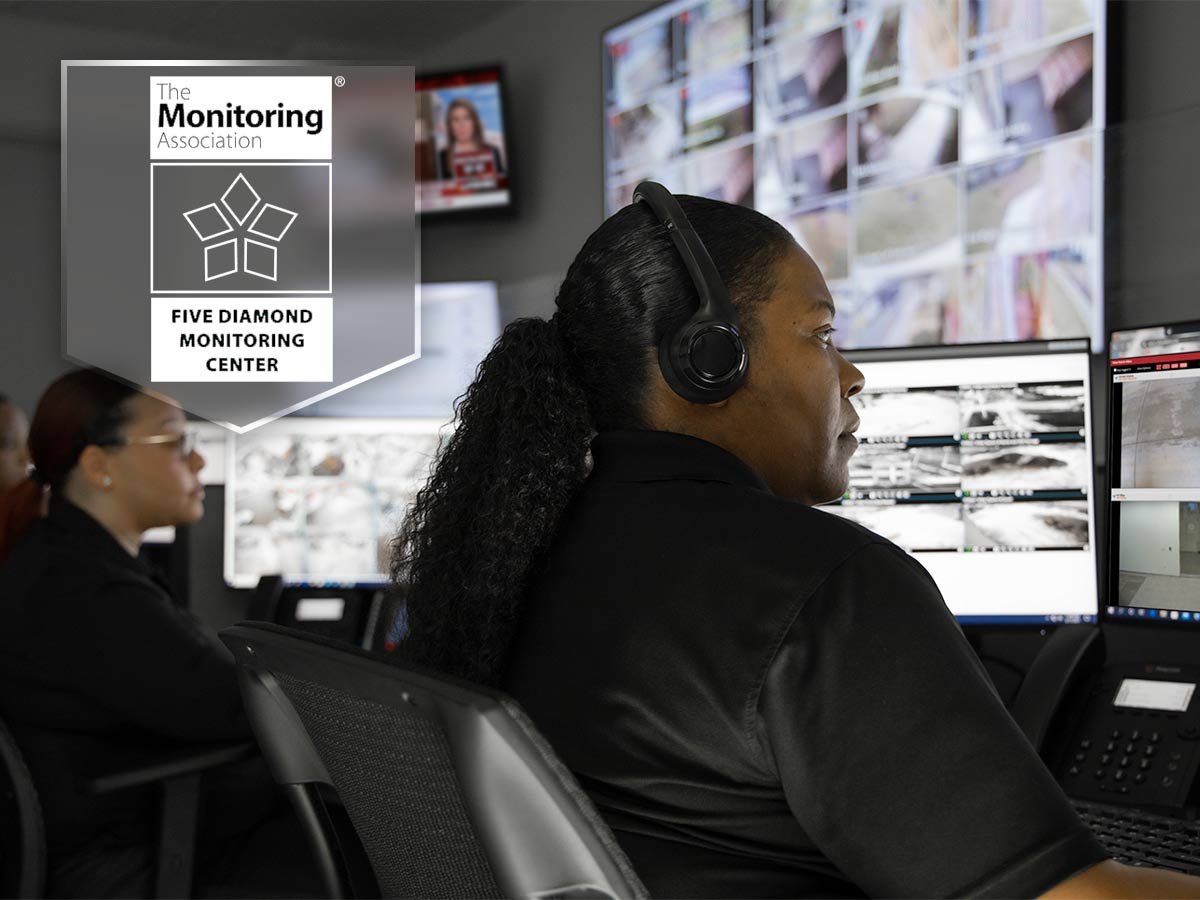
Live human monitoring: Trained agents watch feeds in real time, verify AI flags, and follow a defined response protocol as an incident unfolds.
What actually determines your protection
It isn't the camera brand or the sensor inside it. Nearly every modern system captures clear, usable video. What actually determines your protection is what kind of camera you install and where the footage goes.
Older analog systems record to an on-site box and keep upfront costs low, but they cap your video quality and make remote access clunky. IP cameras connect over the network and stream to local storage or straight to the cloud, giving you sharper footage, easier expansion as you add cameras or buildings, and the ability to check in from anywhere. For most office buildings today, that flexibility makes IP the more practical choice.
Capturing footage is only part of video surveillance. The level of protection depends on how that footage is monitored, reviewed, and acted on, which is why where you store it matters too.
Keeping footage on-site is cheaper up front, but it ties access to extra software or a VPN, and a fire, theft, or hardware failure can take the recordings with it. Cloud storage keeps footage in secure, encrypted off-site data centers, protects it from on-site loss, and scales easily as your portfolio grows. Many buildings land on a hybrid setup, where the recent footage is stored locally for fast access, everything else backed up to the cloud. Cloud storage is also what makes real-time remote monitoring possible in the first place, which is where the real protection gap shows up.
Where passive recording falls short
A recording-only system fails at the one moment it matters most, when an incident is happening and no one is watching. The footage exists, but it becomes useful only after the damage is done. For an office building, that shortfall shows up in four specific ways.
Footage that is only reviewed after the fact
An unmonitored camera turns every incident into an investigation rather than an interruption. A theft in the parking structure, a broken door at a loading dock, and an unauthorized entry into a server room are all captured and later discovered. The building gets a clear picture of what it lost and no chance to have prevented it.
Alert fatigue from automated systems
AI motion alerts sound like a fix, but a system that pings every time a raccoon crosses the lot or headlights sweep a wall trains people to ignore it. When real alerts arrive buried among hundreds of false ones, they get dismissed with the rest. Detection without reliable human verification does not reduce risk. It just moves the failure from the camera to the inbox.
No deterrence for anyone who knows the cameras are unwatched
A camera that only records has limited deterrent value against someone who understands it. An intruder who knows no one is watching treats the camera as a witness, not an obstacle. Deterrence depends on the credible prospect of a response, and a recording system offers none at the moment.
Liability from documenting harm you did not prevent
A system that captures an assault, a break-in, or an injury without triggering any response can deepen a building's exposure rather than reduce it. The building holds clear footage that harm occurred on the property and evidence that nothing was done while it was happening. For office buildings with after-hours activity and shared common areas, that is a real risk, not a hypothetical one.
The after-hours case is the clearest example. Unlike homes, which are most often burglarized during the day, commercial and retail properties are more commonly targeted at night and on weekends, when buildings sit empty. A recording-only system is at its weakest exactly when the building is most vulnerable. A recording-only system is at its weakest exactly when the building is at its most vulnerable.
What live office building video monitoring looks like
Live office building video monitoring places trained agents behind the cameras in real time, so a flagged event triggers a response rather than a recording. It combines automated detection with human judgment and a defined protocol, and it runs continuously, including the overnight and weekend hours when a building has no staff on site. In practice, it works in a sequence.
-
Detection comes first. Video analytics scan live feeds for unusual motion, loitering, or activity in a zone that should be empty, and surface those events faster than a person scanning a wall of monitors could.
-
Human verification comes next. A trained agent looks at the flagged event and decides whether it is a real threat or a false trigger, which is the step that automated-only systems skip and the reason they generate so much noise.
-
Response follows a defined protocol. Depending on the incident and the building's rules, the agent can issue a live audio warning to the intruder, notify on-site personnel, or dispatch law enforcement.
-
Documentation comes last. Every verified incident and the action taken are recorded, providing the building with a real audit trail rather than raw footage no one has indexed.
This model, live remote video monitoring backed by trained agents and a response protocol, is the operational core of a managed offering like Kastle VideoGuarding. The point is not the camera brand or the analytics engine. It is that a person is positioned to act while there is still time to change what happens.
Where should security cameras be placed in an office building?
Cameras should cover every point where people enter, move between secure areas, or gather, with priority on the places where an incident is most likely or costly. Where cameras go matters as much as what monitors them, and live monitoring changes what good placement can accomplish, because a well-placed camera that someone is watching enables a response that the same camera recording alone cannot.
| Coverage area | Why it matters | What live monitoring adds |
|---|---|---|
| Perimeter and entry points | First line of the building, and the most common point of unauthorized entry | Real-time deterrence and an audio warning before someone is inside |
| Lobby and reception | High traffic, packages, and first contact with visitors | Immediate notice of theft or an unattended visitor after hours |
| Elevator banks and stairwells | Movement between floors and secure areas | Active watch on after-hours vertical movement that should not be happening |
| Parking structures | Isolated, low-traffic, frequent site of vehicle crime | Response to loitering or break-ins while they are in progress |
| Common areas and amenities | Shared tenant spaces with liability exposure | Faster intervention in disputes, accidents, or misuse |
| Restricted zones | Server rooms, executive floors, and storage | Instant flag when access is attempted without authorization |
| Loading docks | Deliveries, contractor access, a common weak point | Verification of who is entering through a frequently propped door |
-
Perimeter and entry points
Why it matters
First line of the building, and the most common point of unauthorized entry
What live monitoring adds
Real-time deterrence and an audio warning before someone is inside
-
Lobby and reception
Why it matters
High traffic, packages, and first contact with visitors
What live monitoring adds
Immediate notice of theft or an unattended visitor after hours
-
Elevator banks and stairwells
Why it matters
Movement between floors and secure areas
What live monitoring adds
Active watch on after-hours vertical movement that should not be happening
-
Parking structures
Why it matters
Isolated, low-traffic, frequent site of vehicle crime
What live monitoring adds
Response to loitering or break-ins while they are in progress
-
Common areas and amenities
Why it matters
Shared tenant spaces with liability exposure
What live monitoring adds
Faster intervention in disputes, accidents, or misuse
-
Restricted zones
Why it matters
Server rooms, executive floors, and storage
What live monitoring adds
Instant flag when access is attempted without authorization
-
Loading docks
Why it matters
Deliveries, contractor access, a common weak point
What live monitoring adds
Verification of who is entering through a frequently propped door
How office building video surveillance works with access control
Video monitoring and access control do more together than either does alone. Run separately, they leave a monitoring agent watching an event with no way to act on the door involved. When run together on a single platform, they let the agent see an incident and respond to it in a single motion.
A monitoring agent who sees someone trying to force a secured door can check whether valid credentials were presented, alert on-site personnel, and lock down adjacent entries from a single interface. The video verifies the access event, and the access system gives the agent something to do about it. One agent can confirm an entry against the badge that opened the door and act on both at once, with the footage and the access record tied together in a single audit trail. For a multi-floor or multi-tenant office building, that shared platform is what turns a set of cameras into a security program.
What office building video surveillance costs, and how to think about it
Live video monitoring costs more than a passive recording system and considerably less than posting guards for the same hours and coverage, which is the comparison that matters for most office buildings. The useful question is not the price of the cameras. It is the cost of covering the building during the hours when no one is there.
Guards are the expensive way to put eyes on a building after hours. Through an agency, unarmed guards commonly run about $18 to $40 per hour. Continuous coverage adds up quickly, and a single guard cannot watch a perimeter, a lobby, a parking structure, and a loading dock at once. Live remote monitoring covers all those feeds simultaneously across multiple buildings, without a person standing at each one.
That efficiency is the core of the ROI case for a multi-building portfolio. One monitoring operation can watch many sites overnight and weekend hours, whereas staffing an equivalent guard presence at each site would be far more expensive.
Weigh a monitoring model against the hours you actually need covered, the number of sites one operation can watch at once, the cost of chasing false alarms, and the exposure you carry when no one responds. If judged that way, live monitoring is usually the lower-risk spend for the hours a building sits empty, which is when most incidents happen.
How managed live monitoring brings it together
The question for any office building is no longer whether it has cameras. Nearly all of them do. The better question is what those cameras are actually set up to do when something goes wrong. Can the system detect an incident as it starts, verify whether it is real, and respond while there is still time to change the outcome? A setup that cannot do all three is a recording system, whatever it costs to install.
The strongest office building security setup comes from a single provider that owns detection, monitoring, response, and access control on a single platform, rather than a camera in one place and a monitoring contract in another.
On the ground, it means trained agents monitoring feeds around the clock, AI-assisted detection flagging activity for human review, a defined response protocol for each incident type, and full integration with access control across every building and entry point in a portfolio. It works with the cameras a building already has, so modernizing does not require replacing the hardware first. When something happens at 2 a.m. in a building with no one on site, the arrangement is for the property manager to hear about it from their security partner, with the incident already handled, rather than from a tenant the next morning.
Kastle has operated and managed physical security this way for over 50 years, protecting more than 10,000 properties and 60,000+ businesses across the United States and Australia.
If you are not sure how your own building would answer security questions at 2 a.m., that is exactly where a short conversation helps.
Frequently asked questions
Surveillance footage is captured for review after an incident. Live video monitoring puts trained agents watching the feeds in real time, so they can intervene while an incident is in progress. The difference is between documenting an event and responding to it.
There is no fixed number because it depends on the building's size, layout, and the areas that carry the most risk. The better approach is to map coverage by zone, entries, lobby, elevators, parking, restricted areas, and loading docks, then place cameras to cover each one. A professional site assessment gives a far more accurate answer than a per-square-foot rule.
Pricing depends on the number of cameras, sites, and hours of live coverage, so it is quoted per building rather than as a flat rate. As a benchmark, unarmed agency guards typically cost $18 to $40 per hour, which is why live monitoring is usually the lower-cost option for covering a building after hours. Speak with a Kastle expert for a quote based on your property.
This is where live monitoring earns its value. When a building is empty overnight or on weekends, remote agents keep watching the feeds, verify what the analytics flag, and follow the building's response protocol, issuing an audio warning, notifying a contact, or dispatching law enforcement. The building receives an active response exactly during the hours a recording-only system would capture the event.
When video and access control run on a single platform, a monitoring agent can match what a camera shows to a specific door and credential, then act on both simultaneously. That lets the agent verify whether an entry was authorized, lock down nearby doors, and tie footage to badge activity within a single audit trail. When integrated, the two systems respond together rather than recording separately.
Tell us about your project and our team will follow up.