
Cloud video surveillance: A buyer's guide to systems, costs, and who runs them
Download your free apartment guide
Four pillars, three checklists, and everything your team needs.





Most multifamily teams think they are buying one thing when they shop for live video monitoring. They are usually comparing three services that happen to share a name. A provider reviews recorded clips after an event, watches a live feed in real time, or sends a guard to the scene. They aren't the same product, and the difference between them determines whether anyone is watching when something happens at 2 a.m.
This guide explains what multi-family residential real-time video monitoring actually is, where it earns its place on a property, how its cost compares to guards, and the questions that separate a monitoring service from a recording service. On average, property crime happens in the United States every 5.3 seconds, according to the FBI’s 2024 crime data.
Multi-family residential real-time video monitoring defined
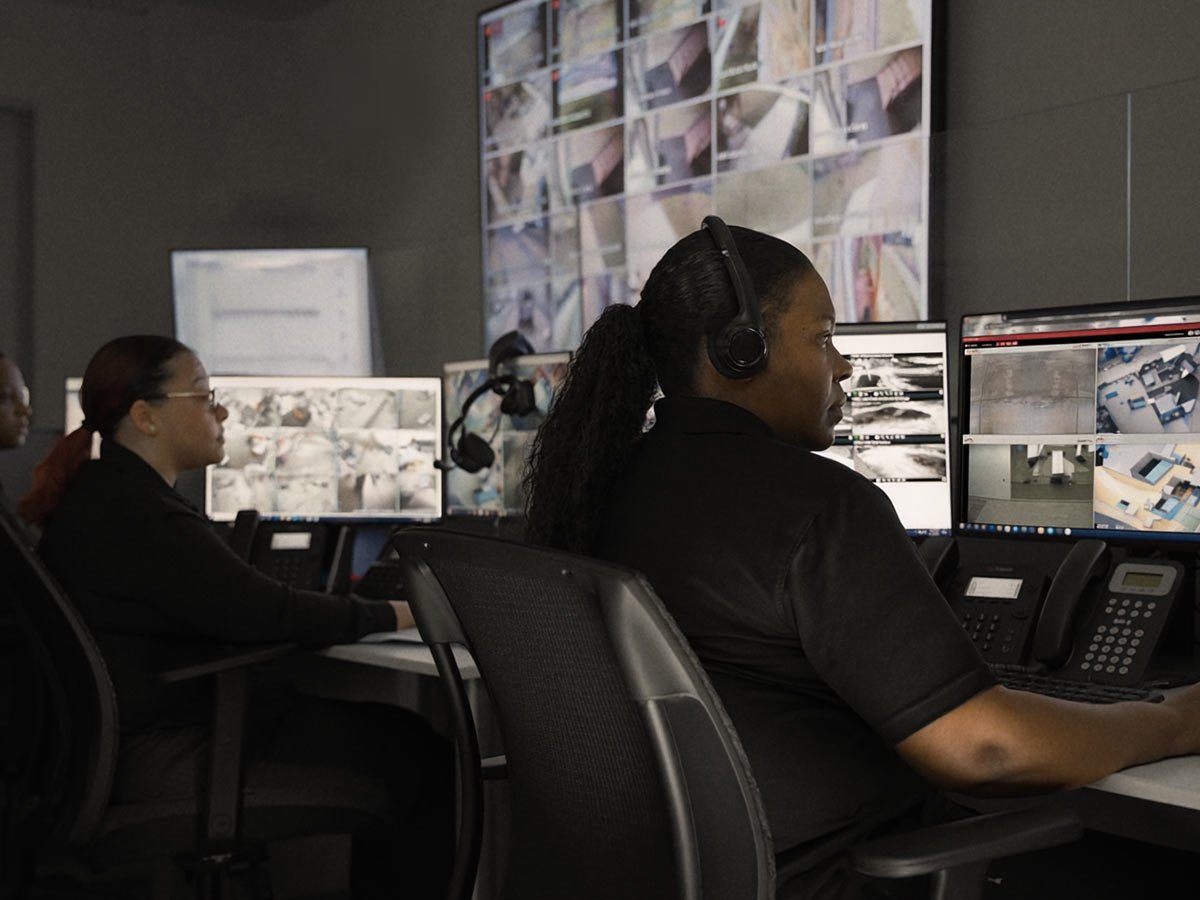
Multifamily live video monitoring is a real-time surveillance service where trained agents watch a property’s camera feeds, usually with AI flagging events, so someone can respond while an incident is still unfolding. A recorded camera gives you evidence. A monitored camera lets you intervene before the damage is done.
Providers use “live monitoring” to mean very different things, so before you compare quotes, know which of these you are actually getting:
- Recorded review. An agent reviews footage after an alert or incident. This helps with investigations and disputes, but it prevents nothing in the moment.
- Live video monitoring. An agent watches feeds in real time and can act, often through an on-site speaker or by calling police with a verified description.
- Guard dispatch. The service sends someone to the property, adding cost and arrival delays on top of monitoring.
A cheap quote often includes recorded reviews labeled “live.” An expensive quote may bundle guard dispatch you don't need at every site.
How does live video monitoring work for apartments?
In an apartment live video monitoring setup, AI watches for defined events, a trained agent reviews the live feed the moment one triggers, and the agent intervenes. The technology does the watching at scale. A person makes the judgment call and takes action.
Monitoring follows three steps, so evaluate a provider on all three, not on the cameras alone:
- Detect. Video analytics flag activity that fits a rule, such as a person in a restricted area after hours or someone loitering near an entrance.
- Verify. A trained agent views the live feed and confirms whether the event is real, filtering out routine activity that would otherwise flood a dashboard.
- Respond. The agent escalates based on what they see, whether that is a live audio talk-down to warn off an intruder, a dispatch to police with a verified account, or an alert to on-site staff.
Detection alone only produces a recording. The value of real-time monitoring sits in the verify-and-respond steps.
Live vs. recorded vs. event-based monitoring: Which one fits where
Match each method to the zone and the risk. Use live monitoring for high-activity areas, event-based alerts for low-traffic zones, and recorded video as the baseline everywhere.
| Approach | What it does | Best for | The trade-off |
|---|---|---|---|
| Recorded video | Captures footage for later review | Investigations, resident disputes, insurance claims | No one is watching live, so it prevents nothing as it happens |
| Event-based alerts | Sends motion or analytics alerts to a dashboard or app | Lower-traffic areas and after-hours flagging | In busy communities, alert floods bury the events that matter |
| Live monitoring | Agents watch feeds in real time and intervene | High-activity entrances, garages, amenities, overnight coverage | Higher service cost than passive recording |
-
Recorded video
What it does
Captures footage for later review
Best for
Investigations, resident disputes, insurance claims
The trade-off
No one is watching live, so it prevents nothing as it happens
-
Event-based alerts
What it does
Sends motion or analytics alerts to a dashboard or app
Best for
Lower-traffic areas and after-hours flagging
The trade-off
In busy communities, alert floods bury the events that matter
-
Live monitoring
What it does
Agents watch feeds in real time and intervene
Best for
High-activity entrances, garages, amenities, overnight coverage
The trade-off
Higher service cost than passive recording
When a feed generates hundreds of motion alerts a night, a real break-in looks identical to a resident walking a dog. Live monitoring solves that exact problem.
Where live security camera monitoring belongs on a multifamily property
Live monitoring pays off fastest in the shared spaces, where incidents actually cluster. A smart rollout covers these zones first:
- Package and mail rooms. In 2024, at least 58 million packages were stolen across the United States. A monitored package room turns a recurring resident complaint into a preventable one.
- Parking garages and lots. These are the highest-risk zones on most properties and the hardest to patrol.
- Entrances and lobbies. The main point where tailgating and unauthorized entry happen, and where a live agent can catch what an access reader cannot.
- Amenity spaces. Pools, gyms, and lounges carry both security and liability exposure, especially after hours.
- Exterior and perimeter. Deterrence works best before anyone reaches a door.
You don't need to watch every camera live. You need the right cameras watched live, and the rest recording reliably.
What AI video analytics bring to multifamily monitoring
AI analytics make live security surveillance practical at scale by narrowing thousands of hours of footage down to the moments that need a human. For multifamily properties, the capabilities that matter most are:
- Loitering detection. Flags a person lingering in a garage, entrance, or amenity area long enough to warrant a look.
- Appearance search. Starts with a snapshot of a specific person or vehicle in the feed and returns that subject and close matches, so investigations take minutes instead of hours. (This works from an image, not an open text search.)
- License plate recognition. Watch-list focused, useful for flagging a known vehicle.
- Occupancy and people counting. Gives operational insight into how amenity spaces and common areas are actually used, beyond security alone.
Facial recognition is sometimes grouped into this category, but it is not the strongest reason to adopt monitoring, and it carries real legal exposure. When used, it works best as a watch-list tool, matching a detected face against a defined list of known subjects rather than scanning every resident and guest. A growing number of states and localities restrict or regulate its use, and rules differ by jurisdiction, so providers should deploy it thoughtfully rather than treat it as a headline capability.
Video monitoring vs. security guards: How to think about cost
The old promise of “monitoring saves on guard costs” is real, but only if you compare the full cost drivers rather than a headline rate.
A guard program’s cost scales with people and hours. You pay an hourly wage, the number of posts you staff, and the hours you cover, and that cost rises every time you extend coverage or add a building. One guard can only watch one place at a time.
A monitoring program’s cost scales with technology and coverage. You pay a service fee based on the number of cameras, the zones you want watched live, and the hours of live coverage. A single video operations center (VOC) can watch many zones across many properties at once.
Guards and monitoring are not strictly an either/or choice. Many communities use live monitoring to cover hours and zones, while keeping a limited guard presence where a physical body is genuinely required.
Pairing video monitoring with access control
Video monitoring gets sharper when it is tied to access control. An unusual credential use, a forced door, or a reader triggered at a restricted entrance can prompt an agent to pull up that camera and confirm what is happening before deciding how to respond.
This is where video monitoring speeds police response. Departments field a high volume of unverified alarms, and research compiled for the US Department of Justice found that verified-response policies, where a provider confirms a real event before police are dispatched, typically cut alarm calls by roughly 90 percent in cities that adopted them. When a monitoring agent gives police a verified, eyes-on account instead of an automated trip signal, the call carries more weight, and the response reflects it. Video verification tied to access control is how a community earns that credibility.
Can you add live monitoring to existing apartment cameras?
In most cases, yes. A hardware-agnostic monitoring platform can bring existing cameras onto a monitored service without a rip-and-replace, using a gateway that connects the current camera fleet to cloud management and AI analytics. Properties that already invested in cameras can add live monitoring and analytics to what they own, then replace aging hardware on their own schedule.
How do you roll out monitoring across a portfolio?
Rolling out apartment remote video monitoring across a portfolio differs from securing one building, and fragmented setups break down at scale. The scalable approach is to standardize the camera and analytics setup across sites, centralize monitoring under one operations model, and roll out building by building rather than trying to do everything at once. The payoff is a single view across every property and one consistent response standard, instead of a different vendor, dashboard, and support line at each address.
How do you handle resident communication and privacy?
Residents accept monitoring when you communicate it honestly and position it around their safety. Tell residents what is monitored and why, before it goes live. Use clear signage in monitored common areas. Keep coverage to shared and exterior spaces, never inside units. And do not over-promise. Describing cameras as full, constant coverage of every inch of a property sets an expectation no system meets and creates liability when an incident falls outside a camera’s view.
How to choose a multi-family residential remote monitoring provider
The fastest way to tell a monitoring service from a recording service is to ask the same seven questions of every provider:
- Is the monitoring live, or is it a recorded review after the fact?
- Who watches the feeds, and are the operations centers staffed around the clock with backup if one goes down?
- What is the average verified response time?
- Does the platform tie video to access control events?
- Can the service use our existing cameras?
- Can one provider cover our entire portfolio under one standard?
- Who is accountable for the whole system, including cameras, installation, monitoring, and maintenance?
The last question is the one most setups cannot answer cleanly. In a typical deployment, cameras come from one vendor, the install from a second, monitoring from a third, and maintenance from whoever answers the phone. When something fails, the property team becomes the unofficial integrator, chasing down which vendor owns the problem.
A managed security model answers that question with a single owner. Under this model, one partner designs, installs, monitors, and maintains the system, so accountability never falls between vendors. Kastle approaches multifamily video monitoring this way, running security camera solutions, access control, and live monitoring as one managed service with a single point of contact.
Kastle has delivered managed physical security this way for over 50 years, protecting more than 60,000 businesses across the United States and Australia. Its monitoring runs through redundant 24/7/365 operations centers, with an average verified video alarm VOC response time of under 30 seconds.
Frequently asked questions
Cloud video surveillance manages camera footage through a hosted online platform instead of a recorder in the building. Some people may refer to this as cloud-based CCTV solutions. You can use your existing cameras. The cloud handles storage, user permissions, alerts, and footage retrieval, so one team can manage one site or a hundred from a single login.
IP cameras capture video and send it over the building's internet connection to cloud storage and a management platform. Authorized staff can access it through a browser or app. The system can flag motion or people, send alerts, and save clips for easy retrieval later.
It can be, under a shared-responsibility model. The provider secures the platform with encryption and prompt patching, and the customer controls who has accounts and how fast access ends when someone leaves. Both halves must hold up for the system to be secure.
It depends on the design. A system that records only to the cloud can lose recording during an outage. A hybrid system that records on-site and backs up to the cloud keeps recording locally, so an outage doesn't create a gap in the record.
Often, yes. A gateway device can connect existing IP cameras to a cloud platform, adding cloud storage, remote access, and analytics without replacing the cameras already installed. An open, camera-agnostic platform also avoids vendor lock-in.
Cost depends on camera count, resolution, retention period, and whether the design is cloud or hybrid. Cloud lowers the upfront spend and converts it to a recurring fee, while on-premise front-loads it into hardware. The fair comparison is total cost of ownership over three to five years.
For multi-site operators, the cloud is strongest here. Managing every building from one platform, with consistent permissions and centralized monitoring, takes far less work than managing each site separately. Hybrid designs add local reliability.
Tell us about your project and our team will follow up.